
Wildberries Infographics with AI: How to Build a Selling Product Card in 2026
Wildberries infographics are the extra product-card images (from the 2nd frame on) that use icons and short captions to show a product’s real specs — size, material, features, what’s in the box. Content agencies estimate they lift card CTR by 100–150% and conversion by 80–140%. AI builds those slides in minutes: it removes the background, drops the product on a clean canvas and assembles descriptive slides in one style — and Twin AI runs the right models in one place, no VPN, with local-card payment.
TL;DR — building WB infographics with AI
Short on time? Here is the gist. Each point is unpacked below with real sizes, moderation rules and prices.
- Main photo — a clean product on a neutral background, NO text or infographics. Infographics go only on additional frames from the second on.
- Card size: 3:4 ratio, minimum 700×900 px, recommended 900×1200 px, compression quality no lower than 65% (WB rules as of April 2026).
- Infographic slide for autoplay — 810×1080 px (3:4); rich-content block — 900×1440 px, PNG up to 5 MB, max 10 blocks.
- Banned marketing text (prices, “sale”, “bestseller”, “#1”, urgency calls) is fined up to 25,000 ₽ per instance. Descriptive infographics are allowed.
- AI covers three jobs: cut the background and place the product on white (Nano Banana Pro), assemble slides with legible spec captions (Ideogram 3), build an accurate scene to brief (GPT Image 2).
- Twin AI gives all these models on one account, with a Compare mode, no VPN and local-card payment — start at /create/photo.
What Wildberries infographics are and why they matter
Wildberries infographics are the additional product-card images (from the second frame on) that visually show real specs with icons and short captions: dimensions, material, features, what’s included, how to use it. Shoppers on WB swipe the first 2–3 photos and barely read the description, so it is the infographic that sells.
The numbers back it up. Content agencies estimate that well-made infographics raise card CTR by 100–150%, lift conversion by 80–140% and cut returns by 40–50%, because the buyer sees size and material up front and does not buy blind. Even a tidy visual without clear slides adds up to +27% conversion. A deeper walkthrough of marketplace cards is at /use-cases/marketplaces.
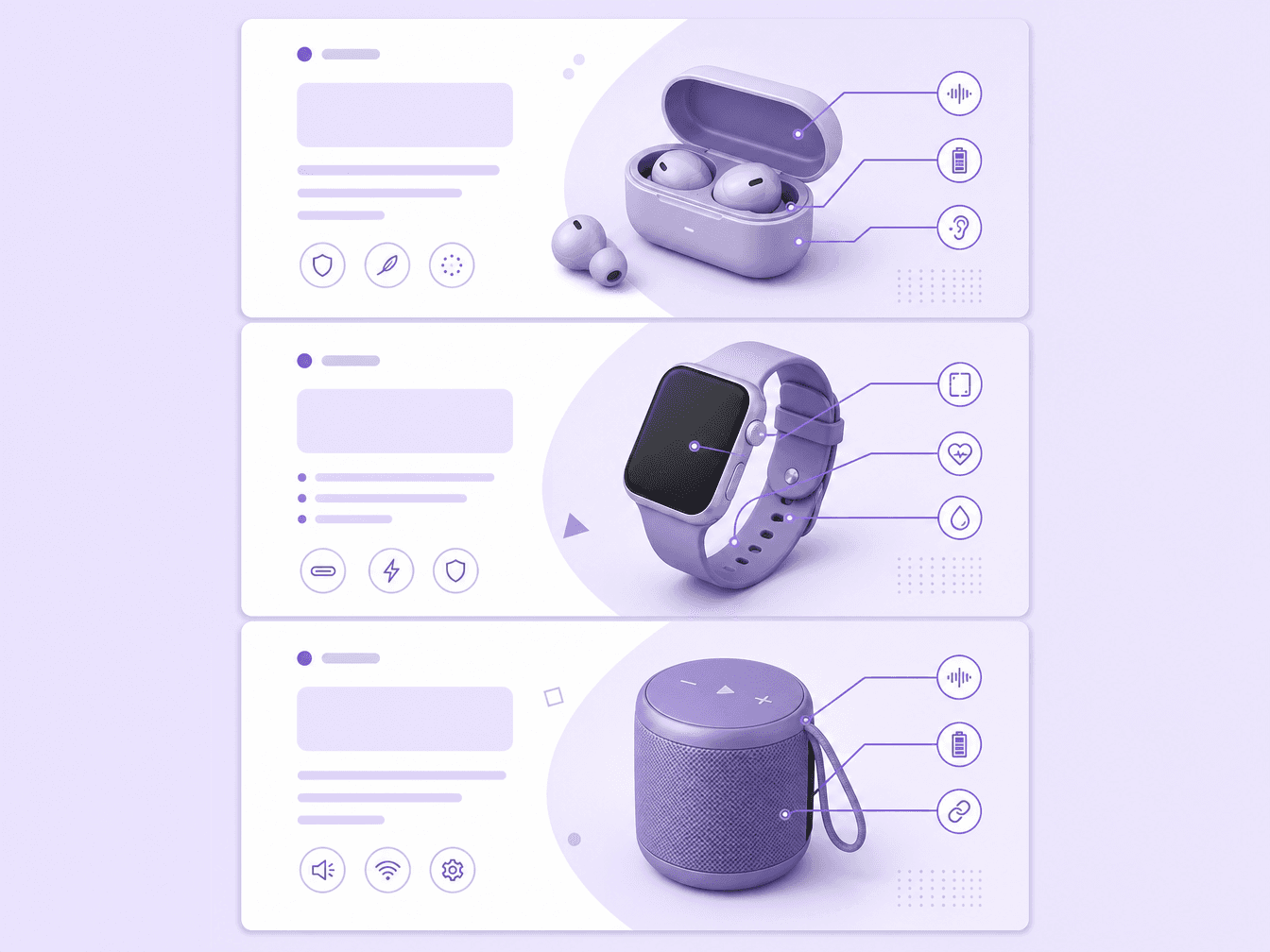
Wildberries photo and infographic requirements in 2026
Before generating anything with AI, fix the technical limits — otherwise the card fails moderation. Current WB requirements for 2026:
- Aspect ratio — vertical 3:4. It is the single format for both photos and infographic slides.
- Photo resolution — minimum 700×900 px, recommended 900×1200 px; up to 8000 px on the longest side for quality.
- Compression quality — no lower than 65%, sRGB colour profile, formats JPG, PNG or WEBP.
- Infographic slide for autoplay in the card or catalog — 810×1080 px (also 3:4).
- Rich content is assembled from separate 900×1440 px blocks, PNG, up to 5 MB per block, max 10 blocks.
- On the main photo the product should be large — 80–90% of the frame — on a white or neutral background.
What’s allowed and what’s not: moderation and fines
Wildberries is strict here, and AI does not exempt you from the rules. The main card photo must be clean: product on a neutral background, no text or infographics. Infographics on the first frame lower the card’s ranking in search — move them to additional photos from the second on.
On text specifically: any explicit marketing text on a photo is banned — prices, “sale” badges, “bestseller”, “#1”, guarantee promises, “promo” and urgency calls. WB fines up to 25,000 ₽ per violation. Descriptive infographics, however — real volume, material, features, dimensions, a usage diagram — are fully allowed on additional frames. That is exactly what you should generate.
How to make Wildberries infographics with AI, step by step
The AI process breaks into four steps, one strong tool each:
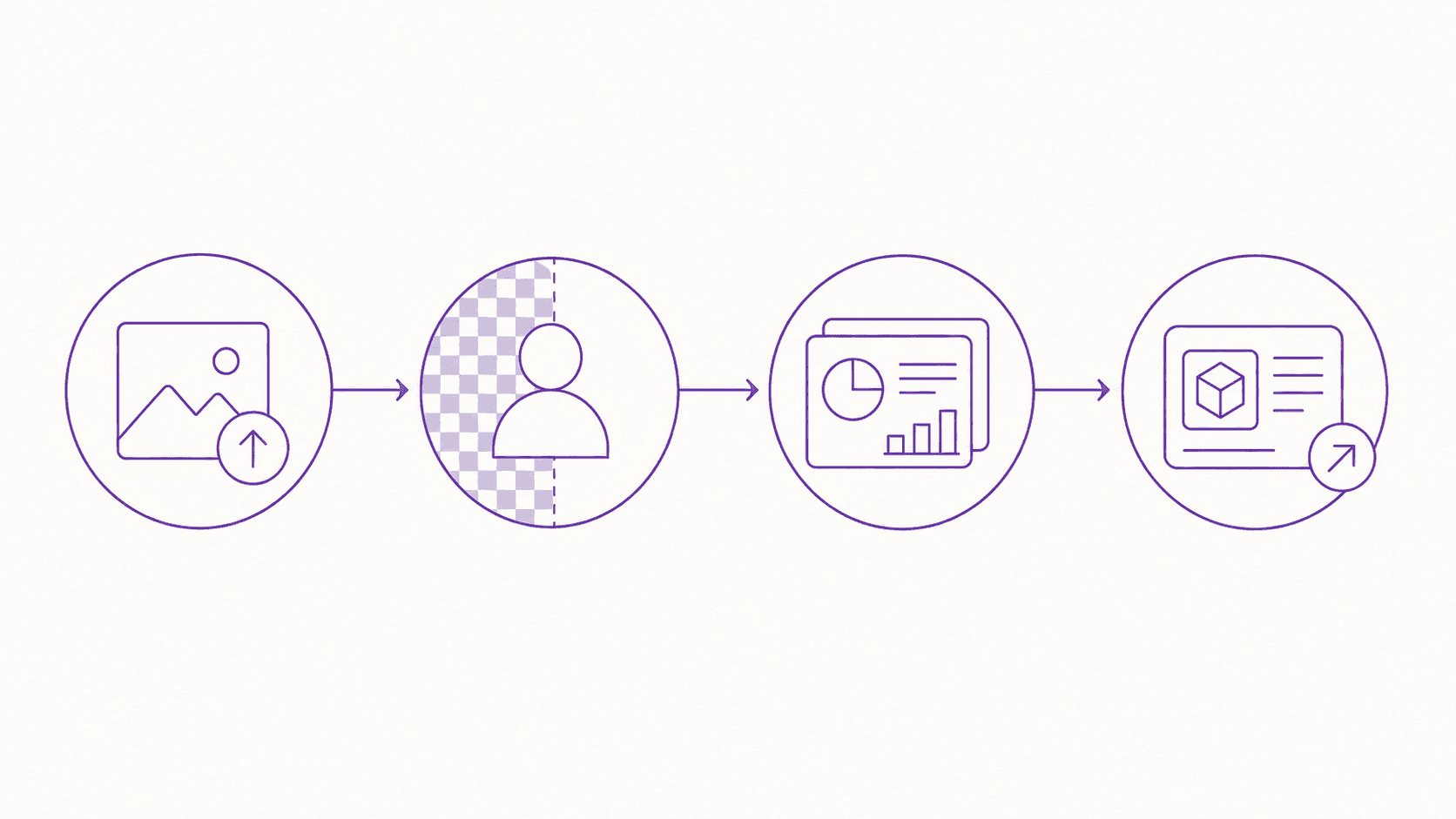
- Step 1. Prep the product photo. Shoot the product in even light or upload an existing shot at /create/photo.
- Step 2. Remove the background, place the product on white. Nano Banana Pro edits the uploaded photo in place: cuts out the object, drops it on a clean background and holds true 4K — that is your 3:4 main photo. Model breakdown at /alternatives/nano-banana-pro.
- Step 3. Build the spec slides. For legible captions you need a model that renders text — that is Ideogram 3, the one that reliably writes words inside a picture. Generate 3–6 slides in one style: size, material, contents, use case. See /alternatives/ideogram-3.
- Step 4. Check against the rules and upload. Bring each slide to 3:4 (810×1080 px for autoplay, 900×1440 px for rich content), strip any banned marketing text and upload to your WB dashboard.
Which AI model to pick for which job
There is no single “AI for Wildberries infographics” — different models are strong for different parts of the card. A guide:

- Clean main photo and edits to an existing shot (remove background, replace it, put the product on white) → Nano Banana Pro: true 4K and the best in-place editing.
- Slides with legible spec captions → Ideogram 3: the only model that reliably renders text inside an image.
- An accurate scene to a detailed brief (product in a room, lifestyle “how to use” shot) → GPT Image 2: the best prompt-following. Breakdown at /alternatives/gpt-image-2.
- Not sure which wins → open /compare, run one prompt across several models and keep the strongest slide.
How Twin AI assembles the whole thing in one place
The catch is that these models live in different services: one is subscription-only, another needs an API key, a third blocks Russia or declines the card at checkout. Building a card while hopping between five tabs and a VPN is slow.
Twin AI is a single app — web and iOS — where GPT Image 2, Nano Banana Pro, Ideogram 3, FLUX.2, Midjourney and more run on one account and one credit balance. There is a Compare mode at /compare — one prompt across several models at once — and the Twin Elo leaderboard at /models showing which engine tends to win your kind of task. Payment is transparent per-generation credits, Russian cards and SBP accepted, and everything works without a VPN. So the full cycle — photo → background → slides — happens in one window. For other platforms the logic is the same: /use-cases/avito, /use-cases/ozon and the general /use-cases/image-generator.
Common mistakes in AI infographics for WB
What to avoid so the card does not sag or catch fines:
- Infographics or text on the main photo — lowers the card ranking. The first frame is always clean.
- Marketing text like “sale / bestseller / #1” — a direct fine up to 25,000 ₽. Write real specs only.
- Mismatched slide styles — the card looks slapped together. Keep one palette and grid.
- Ignoring the 3:4 ratio — WB crops or rejects. Bring each slide to format in advance.
- Invented specs for the look — leads to returns and complaints. Infographics must match the product.
FAQ
How do I make Wildberries infographics with AI?
In four steps: upload the product photo, remove the background and place the product on white (Nano Banana Pro), assemble 3–6 slides with legible spec captions (Ideogram 3), bring each to 3:4 and upload to your WB dashboard. In Twin AI all these models are available on one account without a VPN — start at /create/photo.
Can I put infographics on the main Wildberries photo?
No. The main photo must be clean — product on a neutral background, no text or infographics. Infographics on the first frame lower the card ranking. Place them on additional photos from the second on.
What sizes do WB infographics need in 2026?
A 3:4 ratio. The autoplay slide is 810×1080 px, photos are minimum 700×900 px (recommended 900×1200 px), a rich-content block is 900×1440 px in PNG up to 5 MB, max 10 blocks. Compression quality no lower than 65%, sRGB profile.
What text is banned on Wildberries photos?
Explicit marketing text is banned: prices, “sale” badges, “bestseller”, “#1”, guarantee promises, “promo” and urgency calls. The fine is up to 25,000 ₽ per instance. Descriptive infographics (material, size, features) are allowed on additional frames.
How much do infographics boost WB sales?
Content agencies estimate that well-made infographics raise card CTR by 100–150%, lift conversion by 80–140% and cut returns by 40–50%, since the buyer sees size and material up front. Even a tidy visual without slides adds up to +27% conversion.