
AI Logo Generator — create a logo from a text description
An AI logo generator creates logo concepts from a text brief: you type the name, the niche and the style, and the model returns finished marks, emblems and wordmark options in about 30 seconds. Twin AI puts the strongest models in one window: Ideogram 3 renders the text in your logo cleanly, Recraft V3 delivers crisp vector-style marks, GPT Image 2 follows the brief precisely. Free to start, no per-tool subscriptions.
What is an AI logo generator
An AI logo generator turns a text brief into visual concepts of a mark: you describe the company name, the field and the mood, and the AI proposes options for composition, type and color. Unlike template-based logo makers that assemble a logo from stock icons, a generative model draws a unique mark for your specific request.
In Twin AI this happens in one window: open “Create photo”, write a prompt with the name and the style — and get several concepts at once. Then refine the best one with follow-up prompts: change the palette, simplify the shape, try a different type character. No separate subscription for each tool, no week-long wait for a designer.
Which Twin AI models fit logos best
Different logo jobs are covered by different models — and that is the point of Twin AI: all of them in one window, no separate subscriptions.
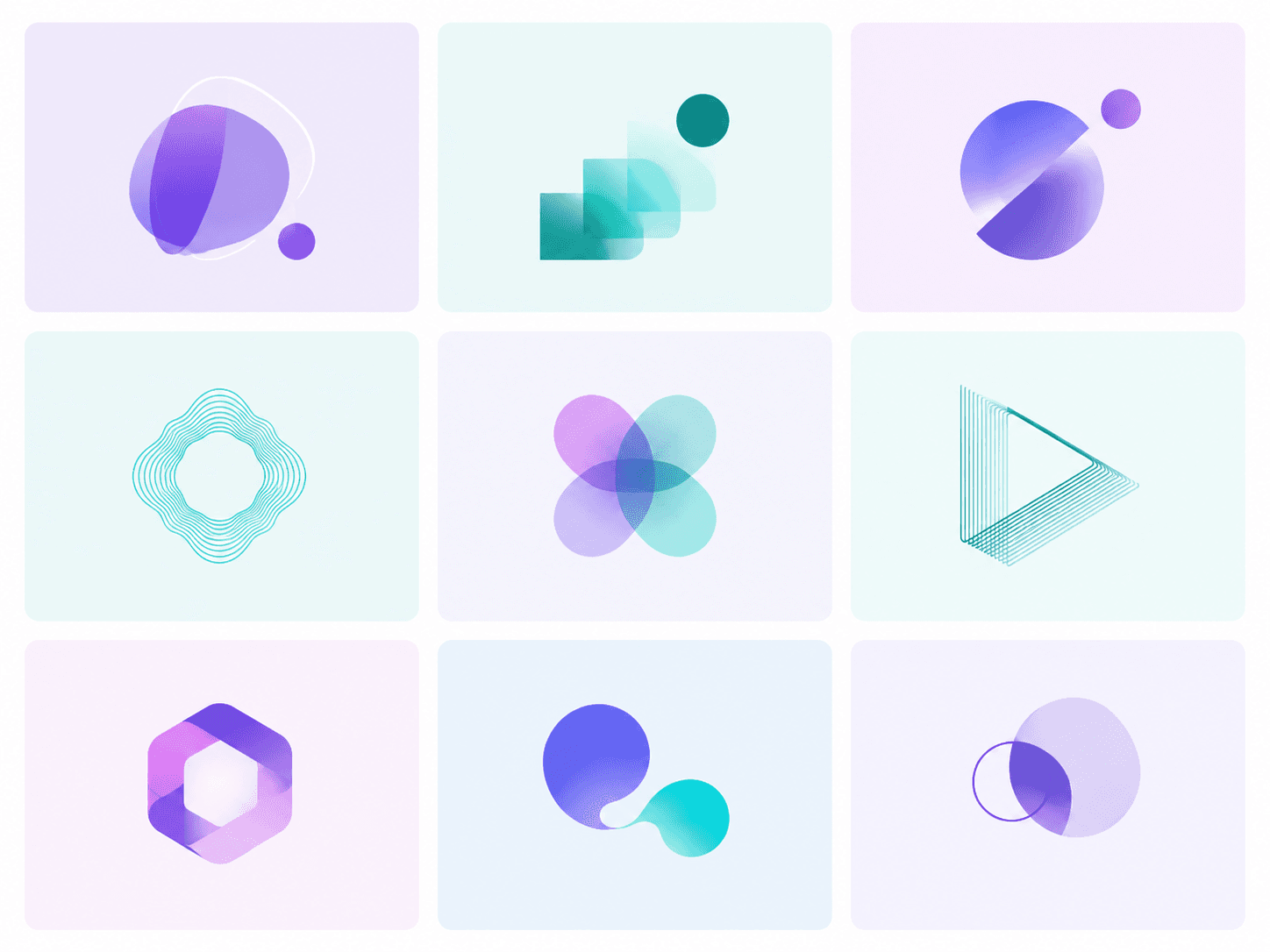
- Ideogram 3 — the top pick for wordmarks and any lettering: the model is trained to render text and rarely breaks letters, which is critical for logos
- Recraft V3 — vector-style marks: clean flat symbols, icons and minimalist emblems that look brandbook-ready
- GPT Image 2 — follows the brief precisely: a specific composition, palette and style up to 4K for large output
- Nano Banana Pro — image-edit: upload a draft or your old logo and ask to redraw it in a new style
- Flux 2 Pro — photorealistic branding mockups: your mark on a business card, a storefront sign or packaging
Which logo types you can generate
The AI runs through directions in minutes — cheaper than ordering three concepts from a studio. Popular types on request:
- Wordmark — the name set in a characterful typeface: strict, hand-written or techy (generate it with Ideogram 3)
- Abstract mark — geometry, gradients and minimalism for IT and fintech
- Emblem — a mark inside a circle or shield for cafes, barbershops and sports teams
- Monogram — stylized initials for a personal brand
- Mascot — a character logo for gaming and kids projects
How to make a logo in 5 steps
Step 1. Write the brief: the name, the niche and 2–3 adjectives about the brand character (say, “minimalist, warm, artisanal”).
Step 2. In Twin AI open “Create photo” → pick Ideogram 3 → write a prompt like “logo for coffee brand “Utro”, minimalist bean icon, warm terracotta palette, clean sans-serif wordmark, flat vector style, white background”.
Step 3. Get 4–6 concepts. Refine the best one: “simplify the mark”, “switch the palette to deep green”, “try a serif face”.
Step 4. For vector-clean flats run the final through Recraft V3; for business-card and signage mockups — through Flux 2 Pro.
Step 5. Download the image in high resolution. For large-format print, generate a 4K version with GPT Image 2 or hand the final concept to a designer for a quick vector redraw — an hour of work instead of a week from scratch.
Who it is for
An AI logo covers the jobs of everyone who needs a mark fast and without a studio budget.
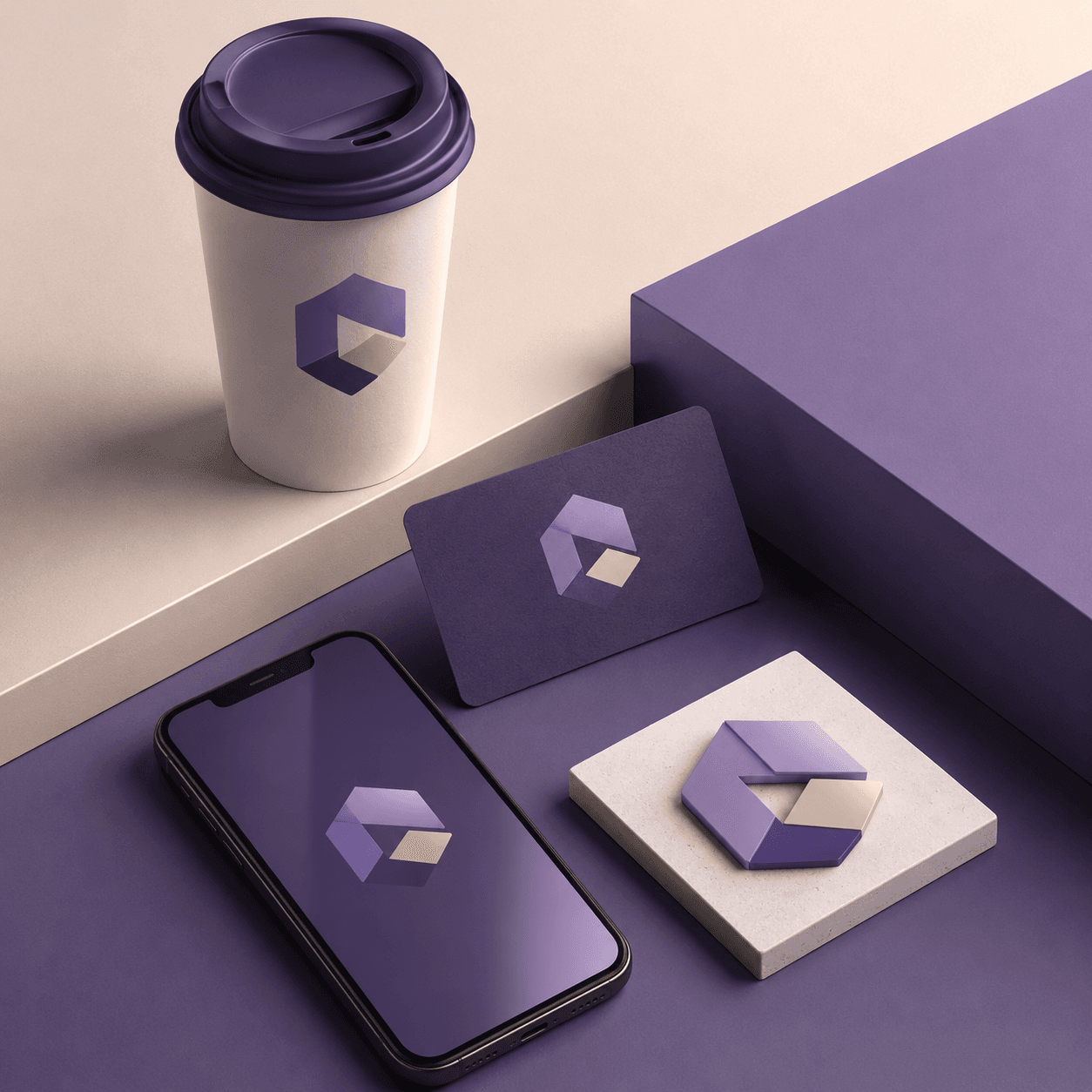
- Startups and small business — a launch-ready logo in an evening, not in two weeks
- Marketplace sellers — a brand mark for listings and product packaging
- Telegram channels and communities — an avatar mark that stays readable in a small circle
- YouTubers and streamers — a channel emblem consistent with your thumbnails
- Freelancers and personal brands — a monogram for the site, business card and signature
How much an AI logo costs
One generation in Twin AI costs from a few dozen to ~100 credits (100 credits ≈ $0.30 on Nano Banana Pro). A full exploration — 10–20 concepts with refinement — runs 300–600 credits ≈ $1–2. Free credits on sign-up cover the first concepts before you pay; a subscription from $6/mo gives 1500 credits.
For comparison: a freelance logo starts around $100, a studio identity at $1000+ and takes one to two weeks. Dedicated logo makers like Looka charge $20–65 for a file package, and a stack of standalone Ideogram + Recraft subscriptions is about $32/mo. Twin AI covers the same job for cents per concept, with all the models in one window.
How to get a good logo
Concept quality depends on the brief. A few rules save credits:
- Put the name in quotes and ask for “flat vector style, white background” — the mark comes out clean, with no busy backdrop
- Set the character with adjectives: “strict fintech”, “warm bakery”, “bold streetwear”
- Lettering goes to Ideogram 3 only — other models misspell more often
- Generate 6–10 options and select: exploration is cheaper than one “perfect” prompt
- Check the mark at thumbnail size: a good logo stays readable even in a 32-pixel avatar circle
FAQ
Can the AI render my brand name without typos?
Yes — use Ideogram 3. The model is specifically trained to render text and keeps letters clean even in short lockups. For safety, put the name in quotes in the prompt and generate several variants.
Can I use an AI logo commercially?
Yes, you use the generated images in your own projects — on the site, packaging and social profiles. If you plan to register a trademark, run a uniqueness check with your local trademark office first, exactly as you would with a designer-made logo.
What file format do I get?
You download a high-resolution raster image (up to 4K with GPT Image 2). For large-format print you can hand the final concept to a designer for a quick vector redraw — an hour of work on top of a ready concept.
Will this replace a logo designer?
For a full brand book with guidelines, clear space rules and versions for every medium you still want a designer. But the “invent and show a concept” stage is covered by AI in minutes — many designers generate first iterations with AI themselves and save their clients weeks.
Which model should I start with?
Start with Ideogram 3 if the logo includes the name — it renders text best. For a pure icon or abstract mark try Recraft V3 for flat vector style, and GPT Image 2 when you need the model to follow a detailed brief precisely.
Can I make a logo for free?
Yes. Free credits on sign-up are enough for the first logo concepts before paying. After that continue on a subscription from $6/mo (1500 credits) or top up credits one-off.